
Juicebox VR1.0 - Get APK
You'll be able to download in few seconds.
Publisher Description
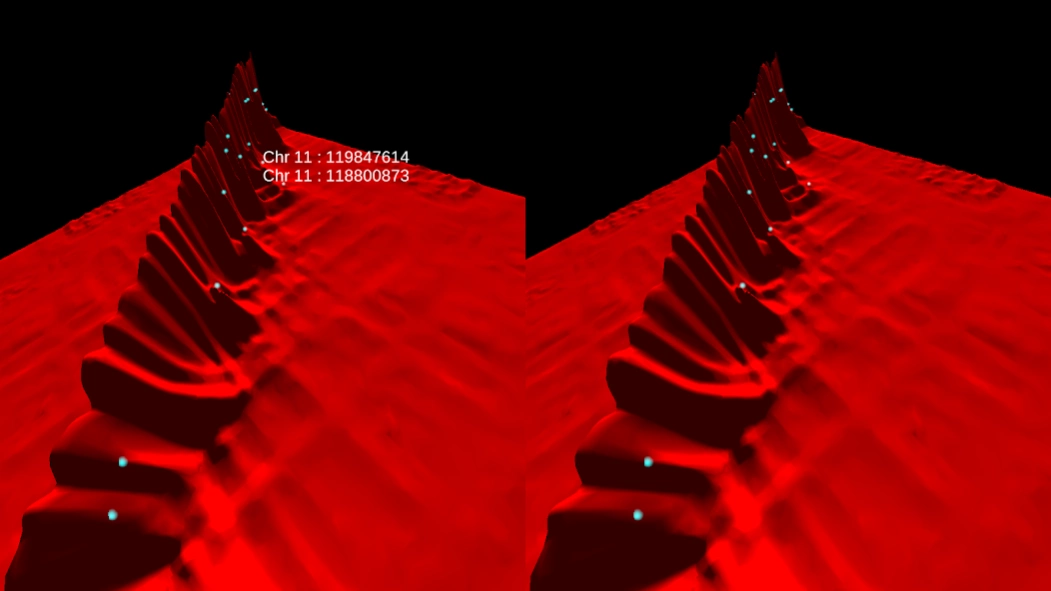
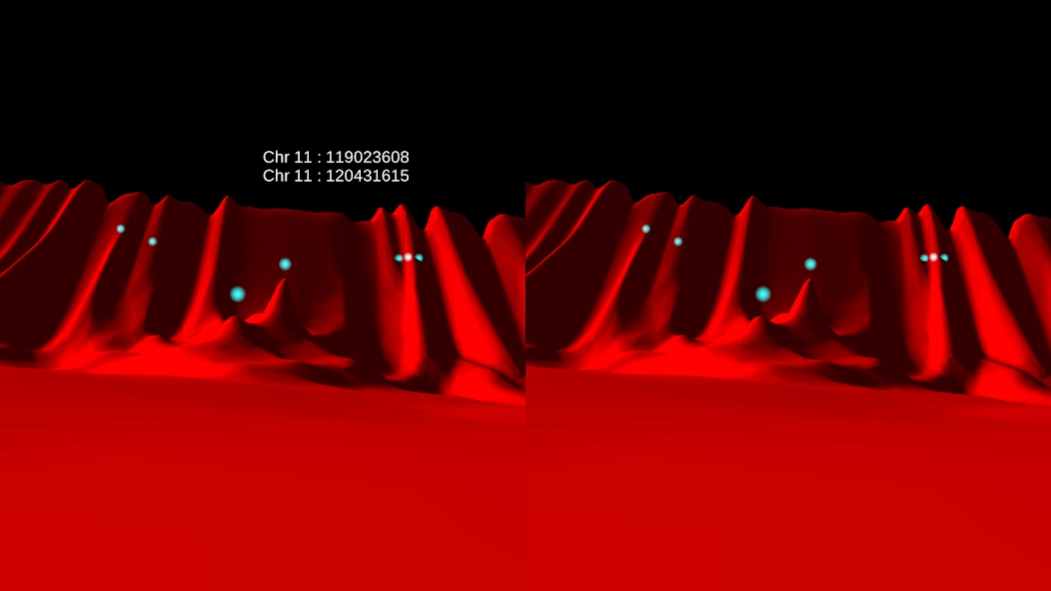
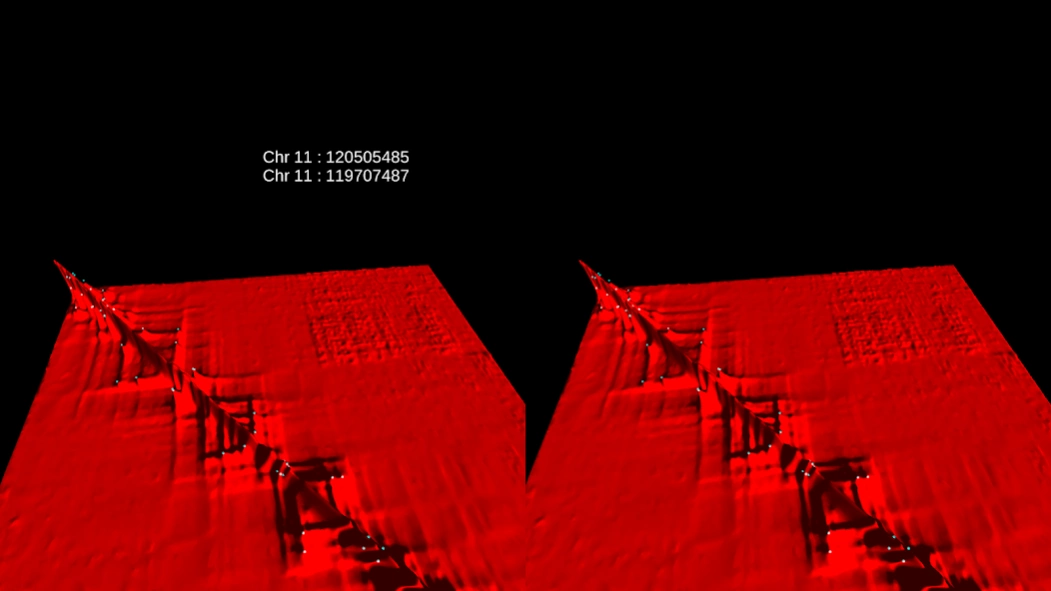
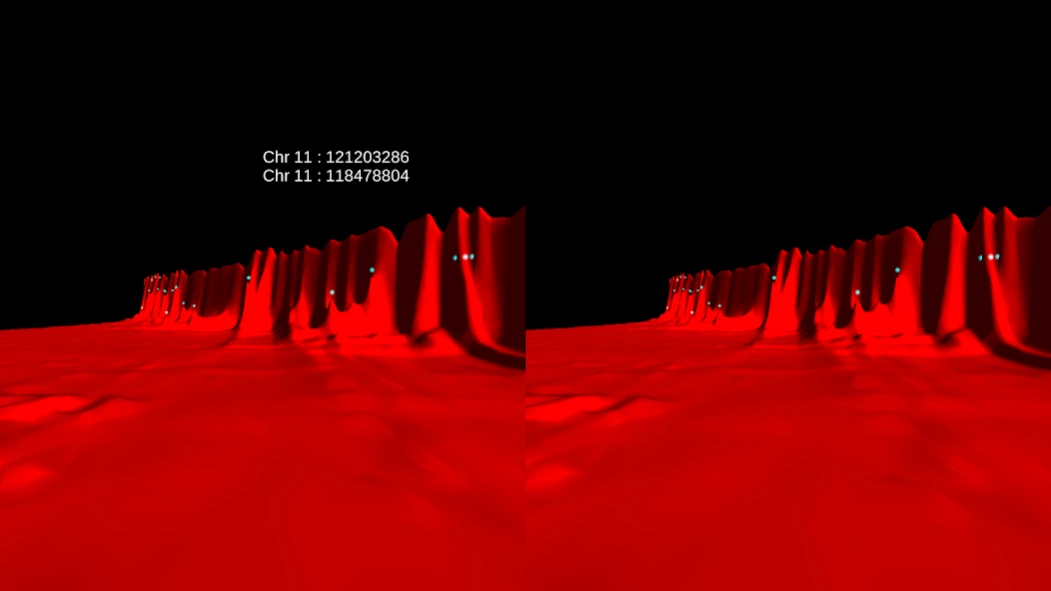
Explore Hi-C 3D genome sequencing data in a virtual reality environment!
Juicebox VR creates a virtual reality representation of data generated by the Hi-C method for three-dimensional genome sequencing. Every 2D position in the landscape corresponds to a pair of 1D positions, or loci, in the three-billion-letter-long human genome. The height at the 2D position represents how often the two loci are in contact in the nucleus of a cell.
Since nearby loci frequently bump into one another, a massive 'wall' of short-range contacts bisects the landscape. Square plateaus coming off the diagonal correspond to condensed genomic domains, called contact domains. Peaks in the landscape correspond to loops in the genome. Contact domains are often demarcated by loops, which is why the square domains frequently have peaks in their corner.
The controller will fly in whichever direction you look. Look straight up for a super jump.
Juicebox VR was created by Muhammad Shamim, Ido Machol, and Erez Lieberman Aiden.
The data is drawn from:
Suhas Rao*, Miriam Huntley*, Neva C. Durand, Elena Stamenova, Ivan Bochkov, Jim Robinson, Adrian Sanborn, Ido Machol, Arina Omer, Eric Lander and Erez Lieberman Aiden. A 3D Map of the Human Genome at Kilobase Resolution Reveals Principles of Chromatin Looping, Cell (2014).
* contributed equally
Note that the data used to generate the landscape is an extremely tiny region from a full, genome-wide map. The full contact map for the human genome is a trillion times larger than this map.
Learn more about our work at www.aidenlab.org.
Music: Ascent by Stellardrone
IMPORTANT: To properly view the app, a Virtual Reality headset, such as Google Cardboard, Durovis Dive, or Samsung Gear VR should be used.
About Juicebox VR
The company that develops Juicebox VR is RAVE. The latest version released by its developer is 1.0.
To install Juicebox VR on your Android device, just click the green Continue To App button above to start the installation process. The app is listed on our website since 2014-12-17 and was downloaded 0 times. We have already checked if the download link is safe, however for your own protection we recommend that you scan the downloaded app with your antivirus. Your antivirus may detect the Juicebox VR as malware as malware if the download link to com.visor.JuiceboxVR is broken.
How to install Juicebox VR on your Android device:
- Click on the Continue To App button on our website. This will redirect you to Google Play.
- Once the Juicebox VR is shown in the Google Play listing of your Android device, you can start its download and installation. Tap on the Install button located below the search bar and to the right of the app icon.
- A pop-up window with the permissions required by Juicebox VR will be shown. Click on Accept to continue the process.
- Juicebox VR will be downloaded onto your device, displaying a progress. Once the download completes, the installation will start and you'll get a notification after the installation is finished.
Program Details
System requirements
Download information
Pricing
Version History
version 1.0
posted on 2014-12-18
Disclaimer
External Download
We do not host Juicebox VR on our servers. We did not scan it for viruses, adware, spyware or other type of malware. This app is hosted by Galad and passed their terms and conditions to be listed there. We recommend caution when installing it.
The APK Download link for Juicebox VR is provided to you by apps112.com without any warranties, representations or guarantees of any kind, so access it at your own risk.
If you have questions regarding this particular app contact the publisher directly. For questions about the functionalities of apps112.com contact us.
